Farm warehouse loot-respawn money glitch (chapter 1)
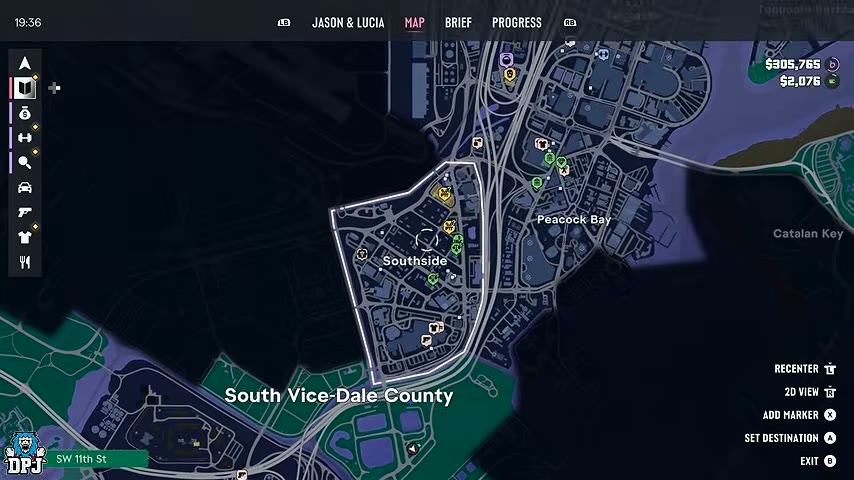
A warehouse on farmland between South Vicale County and the town of Hamlet holds cash, a safe, white-powder bricks and weapons.
Nobody has shown it working on video yet.
How to do it
Step 1. Head to the farmland warehouse between South Vicale County and Hamlet, beside a few lakes and not far from the Oceanside stilt house.
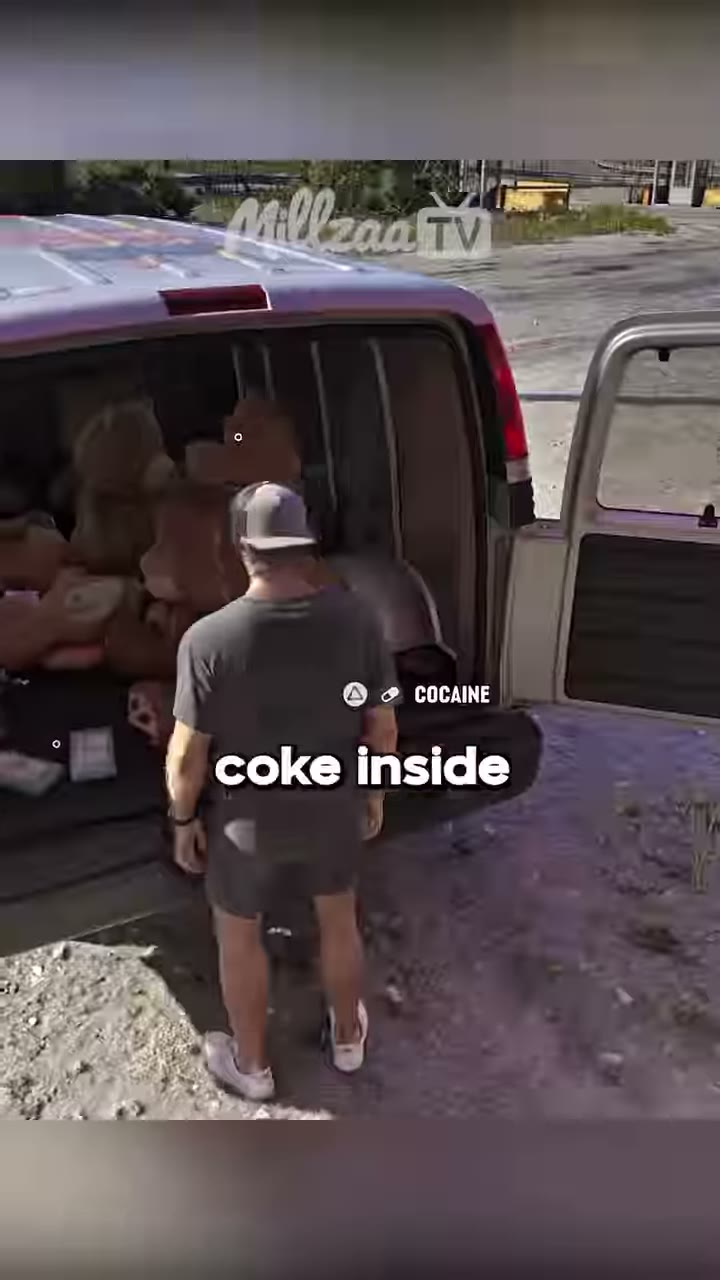
Step 2. Walk inside and take the loot: cash on a table, the register, the safe, the white-powder bricks and the guns.
Step 3. Fill your two carry bags with loot.
Step 4. Save the game manually before you leave the warehouse, or the glitch will not work.
Step 5. Reload that manual save and return to the warehouse.
Step 6. Check that the bricks and the safe cash have respawned, then fill two more bags.
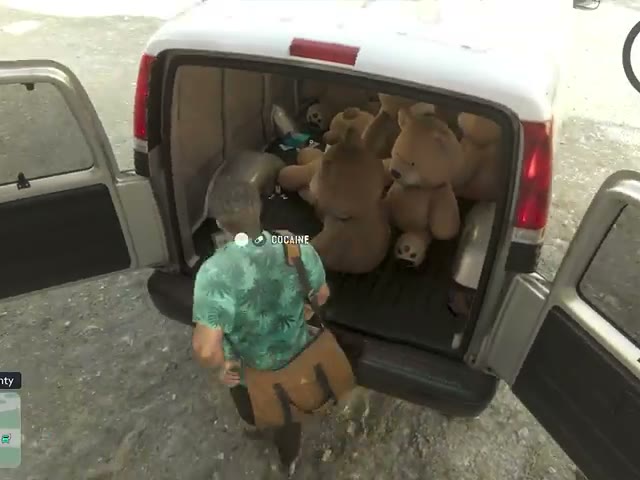
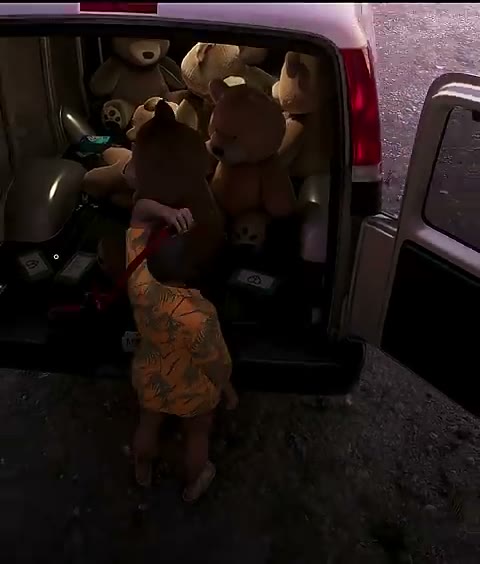
Step 7. Drop all four bags in the bed of the Gonado truck.
Step 8. Drive the haul to Donnie in chapter 1 and sell it to him, since Brian pays less.
Step 9. Repeat the save, reload and refill routine to rake in more money.
Good to know
- Load your manual save, not the autosave, and make that save after the first two bags.
- Cash and checking money are lost at the end of chapter 1, but weapon upgrades and family savings deposits stay.
- This is a glitch, so an update may remove it.