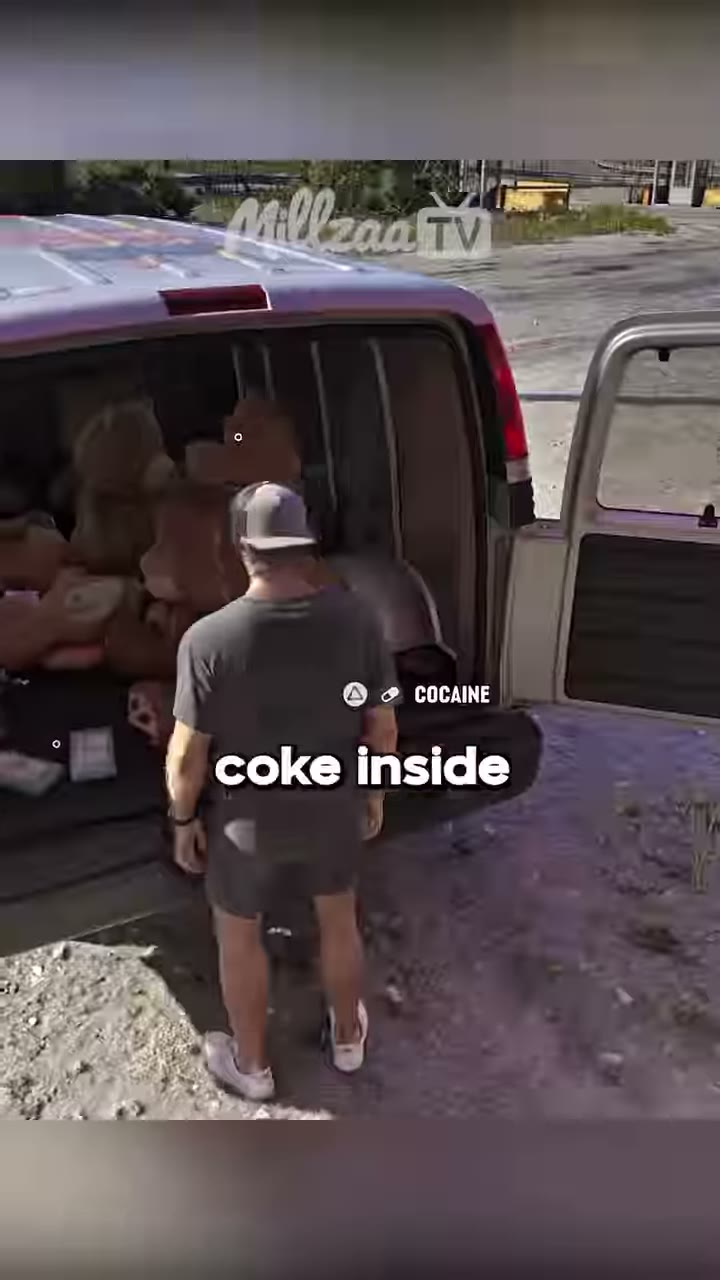
Selling the glitch loot to a buyer
Do not drive the full vans.
Unconfirmed
Nobody has shown it working on video yet.
How to do it
Step 1. Skip driving the filled vans and open the phone app instead.
Step 2. Open the taxi location in the phone app to set the buyer destination.
Step 3. Find your delivery goods under the robbery or money-bag section.
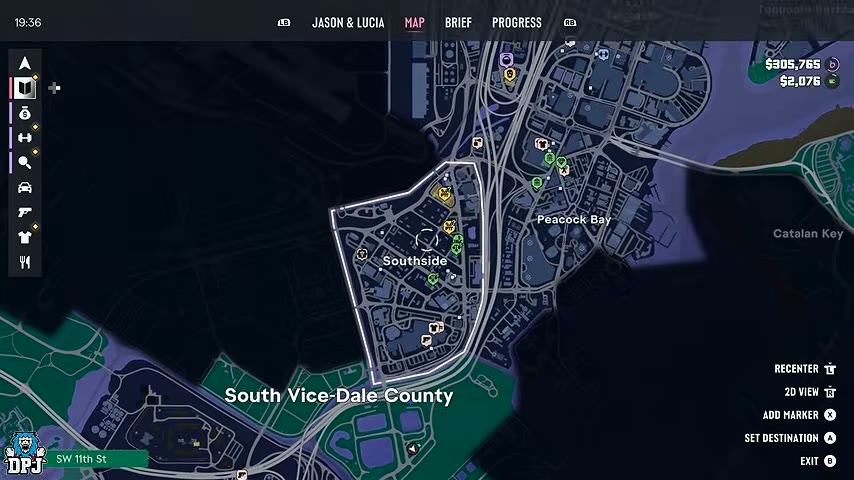
Step 4. Pick a buyer shown on the map as your delivery spot.
Step 5. Go to the drop-off and summon the real vans with the Secure-Serv app.
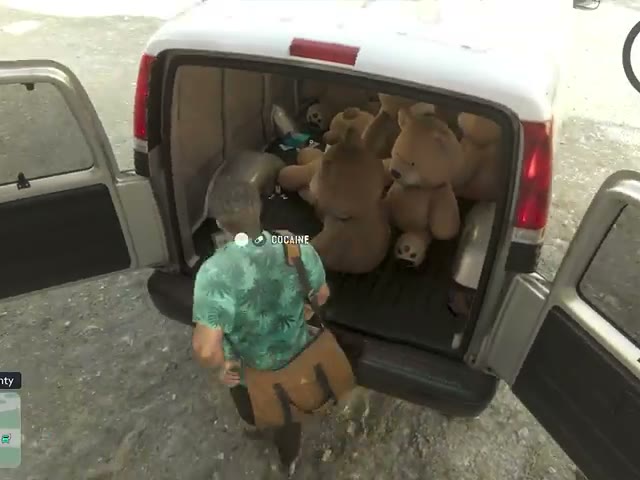
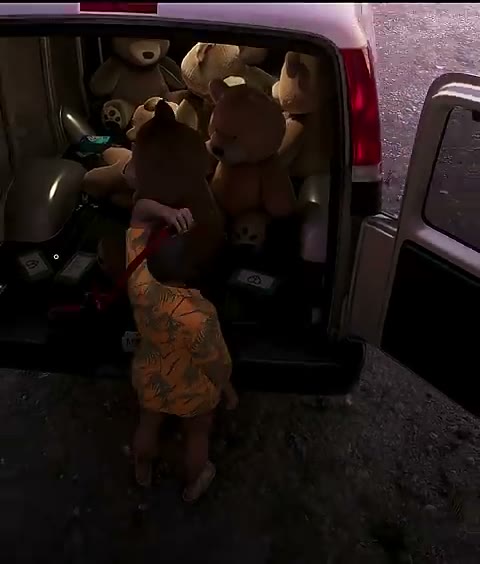
Step 6. Take out one bag from the van.
Step 7. Sell that one bag to the buyer and collect the payout for the whole contents of the van.
Good to know
- This glitch may be patched in an upcoming update, so use it soon.
Glitches found0/49